AutoSPInstaller is a great project that facilitates Automated SharePoint installation including Sharepoint 2010, 2013, 2016 and 2019.
Auto SP Installer provides a powerful way to deploy and configure a single-server development environment to multiple-server SharePoint farm.
Error:
Deploying Web Application via AutoSPInstaller when the script failed
Error: New-SPWebApplication: There is insufficient system memory in resource pool ‘default’ to run this query.

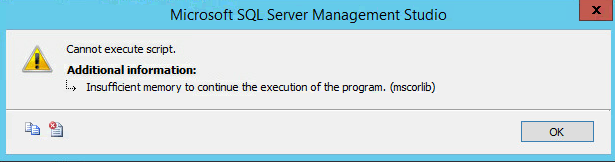
Don’t be fooled, this is a SQL Server related error, and not IIS.
If you open SQL Server Management Studio on your database server, and open the Logs, you will see the following errors:

Solution:
Open SQL Server Management Studio > Right Click on the Instance > Select Properties > Select Memory tab.

You will see that the Maximum Server Memory is 512MB which is way too low.
Set the Maximum Memory as at least 2GB shy of the total server memory, e.g 14GB if total server memory is 16GB.

Restart the SQL Server Service, and you wont have this issue again.

 1 Giant Nerd